Product
Meet Penny, the AI receptionist that turns inquiries into organized leads.
Penny is the assistant inside PennyReply. She handles the first response, captures the right details, and gives owners a clear record before a booking decision is made.
Guided setup imports your services, FAQs, and hours from your website — you confirm everything before going live.
Setup
Start from the business website, then confirm the details.
The setup flow is designed for owners who do not want to build a complex AI prompt from scratch.
PennyReply imports what customers already see.
The owner can accept, edit, or remove imported details before the AI uses them in a customer reply.
Services, add-ons, and pricing
FAQs, policies, and booking rules
Business hours, service area, and contact details
Missing setup warnings before go-live
Customer channels
Website visitors and missed callers enter the same lead workflow.
Every customer interaction should leave the owner with a useful record, not a scattered note.
Penny on your website
Visitors can ask questions, share contact details, and receive a safe reply from the hosted widget or embedded chat.
Penny texts missed callers
Missed callers can receive a text-back workflow that creates leads and conversations for owner review.
Penny knows when to pause
Penny pauses for complaints, refunds, custom quotes, low confidence, and services marked as approval-required.
Records
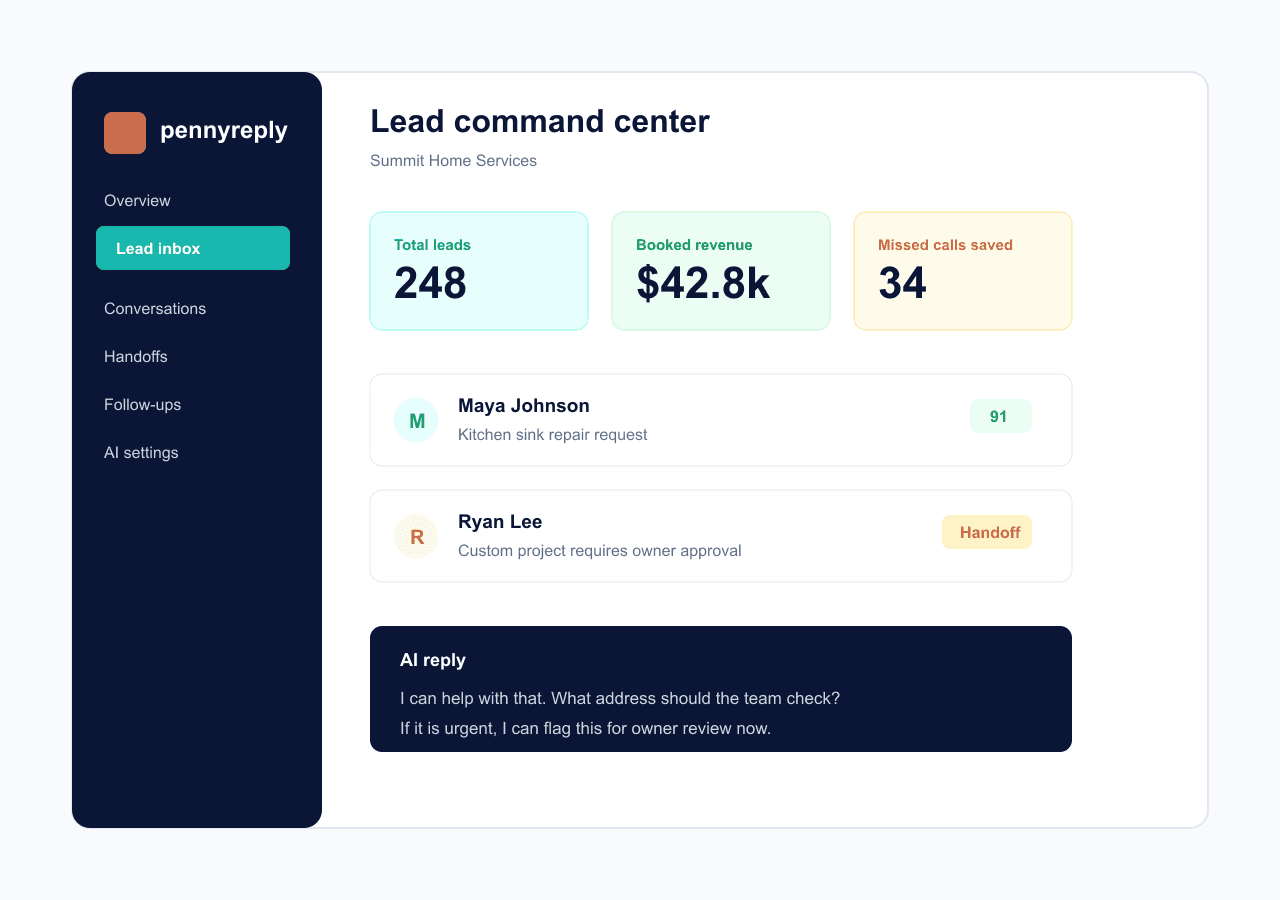
The dashboard keeps the original message and the AI interpretation.
Owners can see what the customer actually typed and what the AI understood before it generated the reply.
Safe launch
Test the receptionist before it answers real customers.
Run messy customer messages, review extracted fields, check confidence, and adjust handoff rules before Penny replies to real customers.